Keep Every Vehicle's FASTag Details in Order
Record toll and FASTag details against the right date, carrier, location, vehicle, and docket in one structured workflow.
- Centralized FASTag detail management
- Accurate vehicle and docket information
- Easy carrier and location selection
- FASTag processing that stays organized as volume grows
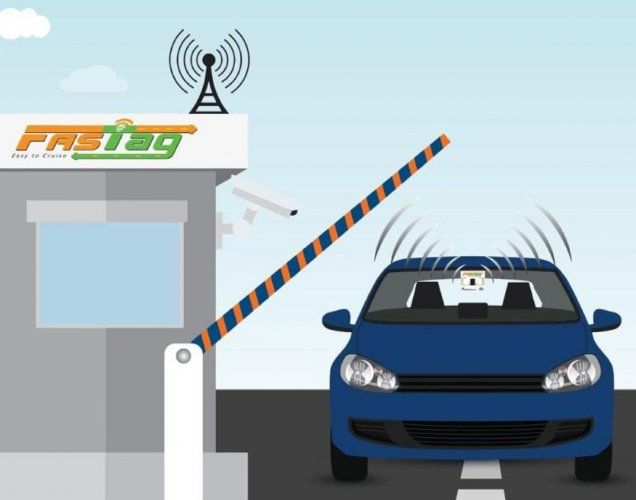

Challenges Without FASTag Management
Recording FASTag details by hand slows transportation operations down and invites data-entry errors, and accurate records get harder to keep as shipments pile up.
- Difficulty maintaining accurate FASTag details for different dates, carriers, vehicles, and shipments.
- Incorrect or incomplete vehicle information can make it difficult to associate FASTag details with the correct vehicle.
- Manually maintaining docket numbers can lead to missing or inaccurate shipment references.
- Unconfirmed or incomplete entries can result in incorrect FASTag information being processed.
Simplify FASTag Management with Softpal
Softpal gives teams a structured FASTag workflow: capture the vehicle and shipment information, organize it, verify it, then confirm the entry.
- Select the required date, carrier, time slot, and location through a structured FASTag workflow.
- Enter and confirm the vehicle number to associate FASTag information with the correct vehicle.
- Capture and associate the docket number directly with the FASTag entry for better shipment reference.
- Review the entered information and confirm the FASTag entry before finalizing the configuration.
Powerful FASTag Management Capabilities
Capture, manage, and confirm FASTag vehicle and shipment information through one simple workflow.
Date & Time Selection
Select the relevant date and time slot for the FASTag operation to keep vehicle and shipment information organized according to the required schedule.
Carrier & Location Selection
Search and select the appropriate carrier and location to associate the FASTag entry with the correct operational details.
Vehicle Number Management
Enter and select the vehicle number so that FASTag information can be associated with the correct vehicle record.
Docket Number Linking
Capture the docket number and link it with the FASTag entry to maintain a clear reference between the shipment and vehicle information.
From FASTag Details to Confirmed Entry
Select the required details, enter vehicle and docket information, and confirm the FASTag configuration.
Select Date & Time
Select the required date and time for the FASTag operation.
Choose Carrier & Location
Select the carrier and location for the FASTag entry.
Enter Vehicle & Docket
Enter the vehicle number and docket number.
Add & Confirm
Add the FASTag details and confirm the entry.
Benefits of FASTag Management
A structured process for dates, carriers, locations, vehicles, and docket numbers cuts the effort of recording FASTag information.
Maintain accurate vehicle number information and associate it with the appropriate FASTag transaction.
Link docket numbers with FASTag entries to keep shipment and vehicle information properly organized.
Review and confirm FASTag information before adding it, so incomplete or incorrect entries get caught earlier.
Frequently Asked Questions
What information can be configured for FASTag management? expand_more
Can I search and select a specific location? expand_more
How is the FASTag entry finalized? expand_more
Put FASTag Details in One Place
Vehicle, carrier, location, and docket details sit in one structured FASTag workflow, built for accuracy on busy days.