Quick Repair Initiation
Log a damaged or faulty asset and start the repair process in a few steps.
Manage asset repairs end-to-end — from reporting and tracking to reintegration into inventory.
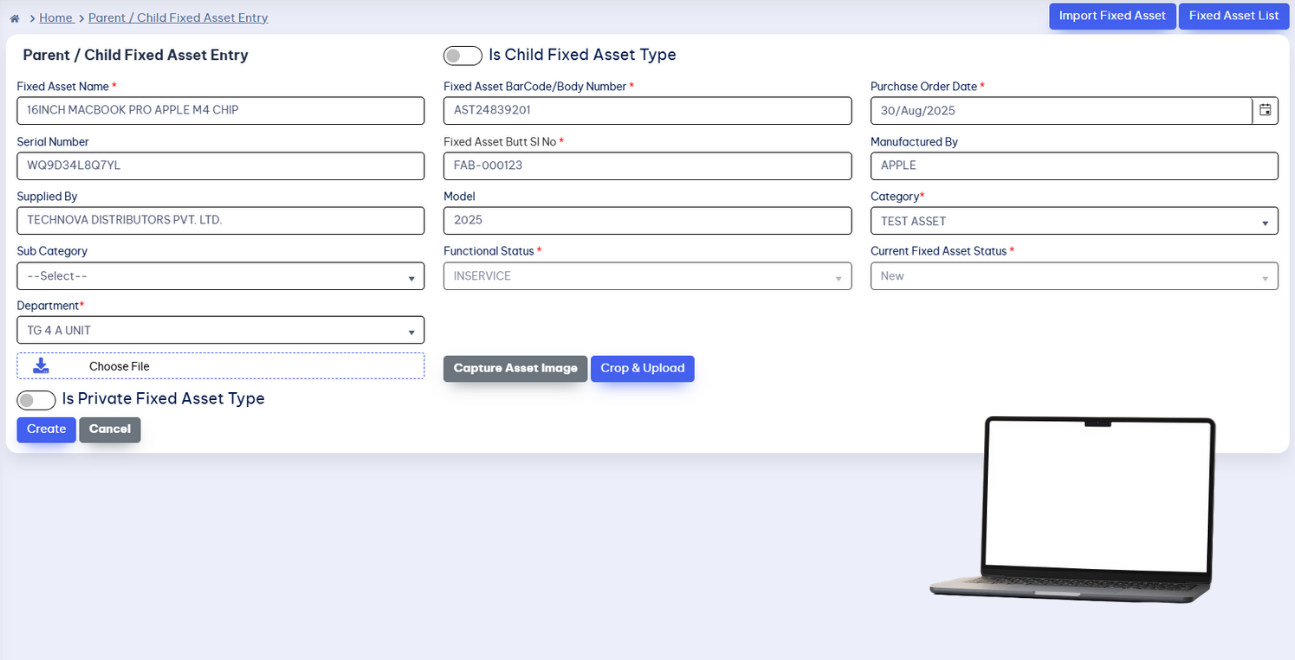

Start and manage the repair process for damaged or faulty assets. The Parent Fixed Asset Barcode and Gate Pass ID track each asset through the whole repair lifecycle.
Log a damaged or faulty asset and start the repair process in a few steps.
Gate Pass authorization documents the asset's movement out for repair.
Follow every asset through the repair journey with real-time status and location visibility.
Track repaired assets on their way back, inspect them, document the result, and either return them to inventory or reassign them.
Verify returned assets pass quality checks before they re-enter circulation.
Update asset status to Repaired, Good, or Ready for Use after successful inspection.
Send repaired assets back to inventory or reassign them to users.
From barcode scanning to final reintegration, every step of the repair is tracked and documented.
The Parent Fixed Asset Barcode follows the asset through every step of the repair, showing status and location as they change.
Sending an asset out for repair generates a Gate Pass ID that authorizes and tracks its movement between locations or departments.
After inspection, the asset's condition is updated to "Repaired", "Good", or "Ready for Use", and it returns to inventory or gets reassigned.
Repair management from issue to return, so assets spend less time idle and records stay audit-ready.
Fast, efficient repair workflows get assets back faster.
Monitor repair status in real-time across all locations.
Always-available tracking through every repair step.
Complete, auditable history for every repaired asset.
Boost accuracy, visibility, and efficiency across your organization. Track, transfer, and manage with speed — start optimizing today!