Structured Employee Profiles
Every employee involved in asset allocation has a structured profile with the details that matter for accountability.
Centralize foundational data — employees, categories, vendors, locations, and permissions — for accuracy, consistency, and scalability.
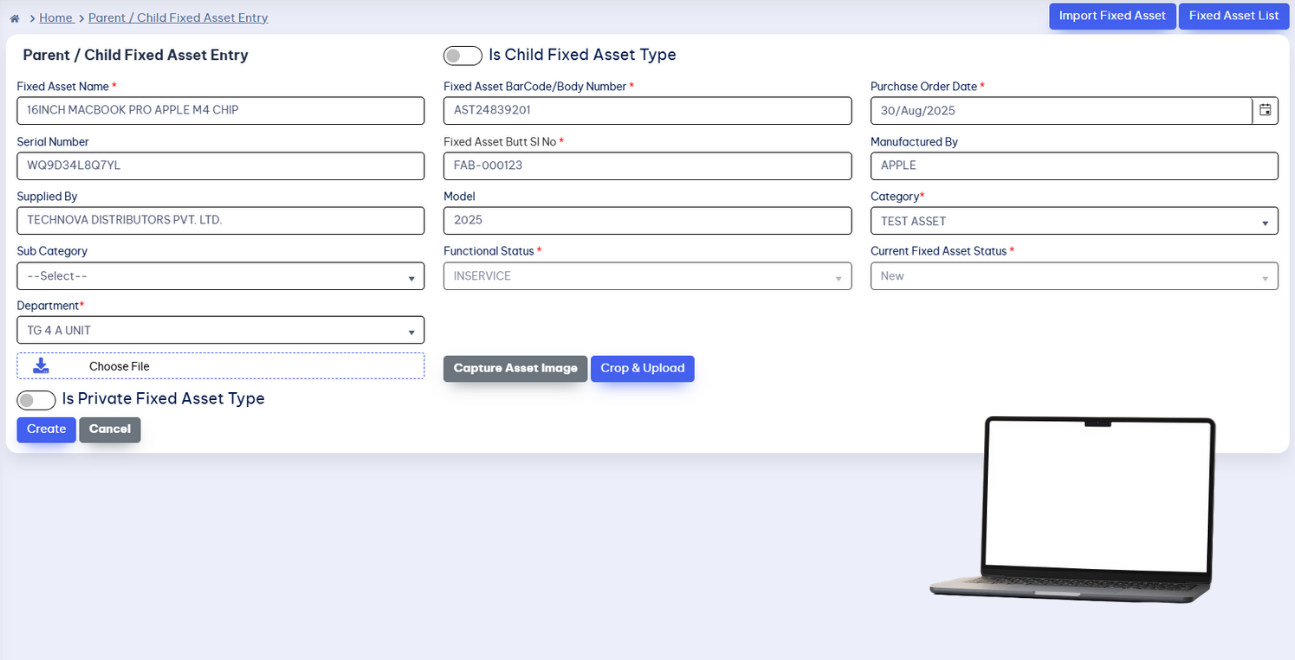

Keep a complete directory of employees who issue, receive, and return assets. Every allocation workflow depends on this record.
Each employee tied to asset allocation gets a structured, secure profile. These profiles anchor asset issuance, recovery, and tracking, and they make audits and role-based control easier to run.
Every employee involved in asset allocation has a structured profile with the details that matter for accountability.
Assign access and asset rules per employee role for secure, controlled allocation workflows.
Track every employee-asset interaction with a complete, auditable trail.
Group assets into categories such as IT Equipment, Furniture, and Tools so searching, filtering, and reporting stay organized.
Define categories like IT Equipment, Furniture, and Tools that fit how your organization works.
Instantly filter assets by category to locate items quickly across the platform.
Consistent categories keep per-class reporting accurate and easy to drill into.
Assign assets, employees, and transactions to departments, so every business unit can be tracked and reported on separately.
Link assets, employees, and transactions to specific departments for full visibility.
Know exactly which business unit owns each asset at any point in time.
Generate per-department reports to track spend, utilization, and allocation.
Maintain a central list of all asset suppliers and service providers. This module keeps track of vendors who provide assets or repair services, helping you monitor vendor performance, warranty, and service history.
Keep every supplier and service provider in one maintained, searchable list.
Monitor vendor performance and track warranty coverage for every asset purchased.
Repair and service history per vendor helps you decide who to keep working with.
Map assets to branches and offices so tracking, transfers, and reporting follow your actual geography.
Map assets to branches and office locations for clear geographic ownership.
Track where every asset sits across sites for easier movement and control.
Move assets between branches and produce location-wise reports.
Assign statuses such as "Working", "Under Repair", or "Decommissioned" so records reflect the real condition of each asset.
Update asset health status in a click: Working, Under Repair, or Decommissioned.
See the condition of your entire asset pool at a glance with live status indicators.
Filter and report on assets by condition to prioritize repair and maintenance.
Set user roles and access rules that decide who can view, add, update, or delete information in each module.
Create customizable roles that match your organization's structure and workflows.
Control who can view, add, update, or delete information across every module.
Enforce access rules to keep sensitive asset data protected and audit-ready.
Master data kept in one place, so every asset workflow draws from the same accurate records.
Centralized control for consistent data across every module.
Reduced duplicate entries across all asset workflows.
Scalable design that grows with your organization.
Enhanced reporting accuracy and audit-readiness.
Boost accuracy, visibility, and efficiency across your organization. Track, transfer, and manage with speed — start optimizing today!